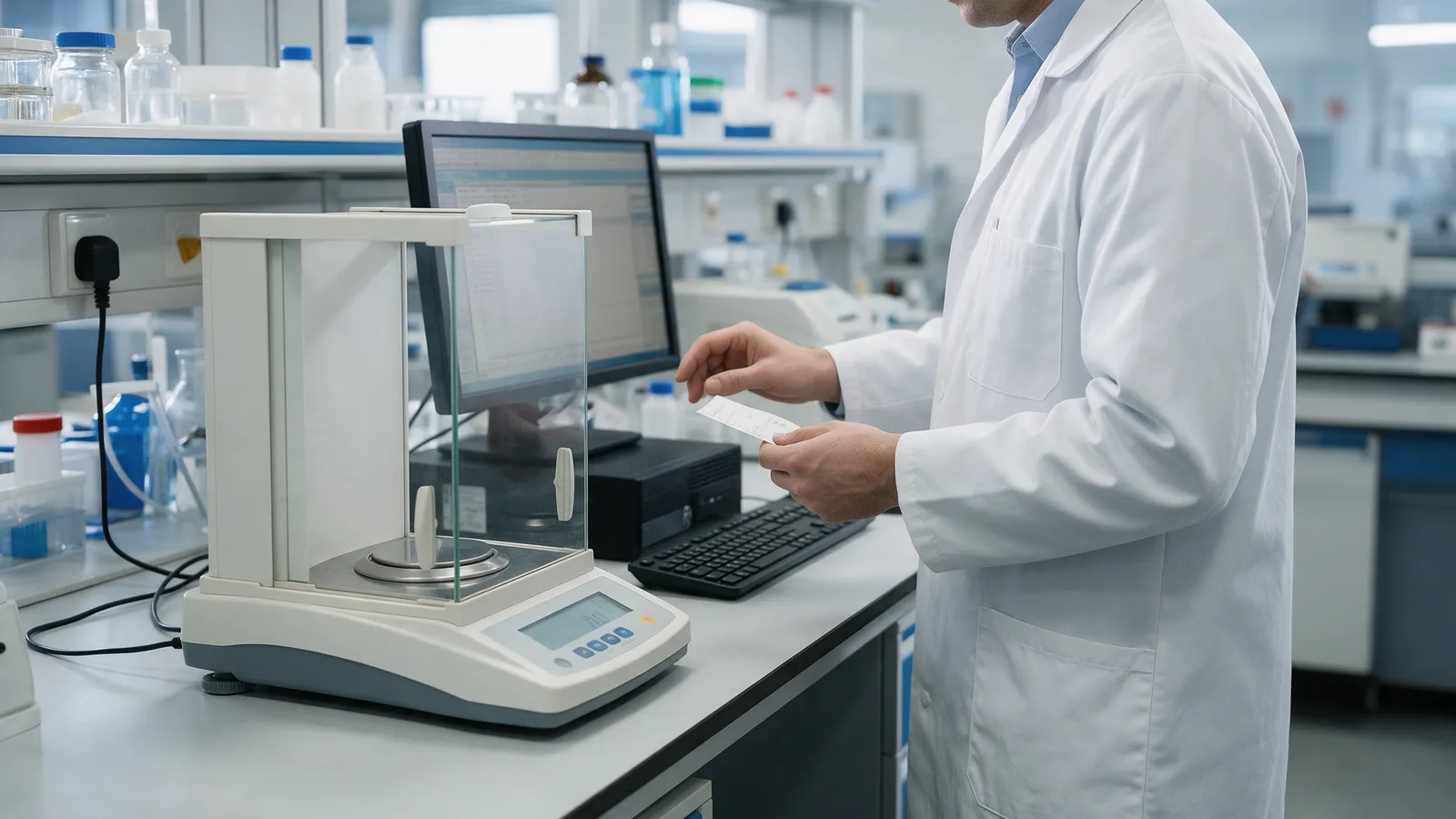
Watch a QC analyst weigh a sample. They place it on the balance, wait for the reading, and press print. A small paper ticket comes out. They carry it to the computer and type the number into the system. Then the work stops until a second person comes over, holds the ticket next to the screen and confirms the two match.
Three people’s time to move one number. One to produce it, one to type it, one to check the typing. Multiply that by every weighing in a working day and it becomes one of the most expensive routines in the lab, and one of the least visible.
Why labs work this way
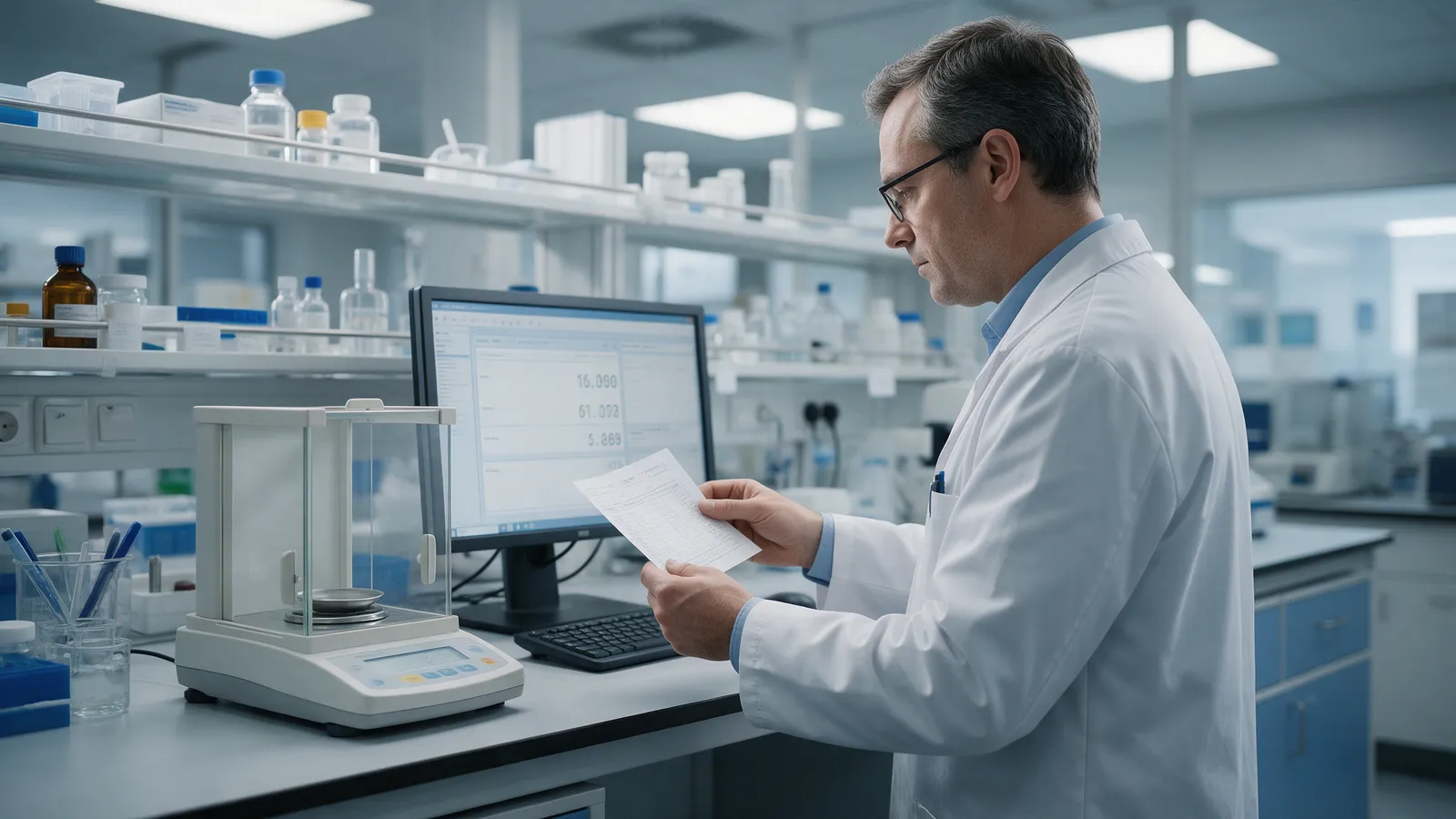
Nobody designed this routine to waste time. It exists for a good reason: a number typed by hand can be typed wrong. A 0.1256 g reading becomes 0.1265 g, and every calculation downstream inherits the error.
Regulators know this. EU GMP Annex 11 (clause 6) asks for an additional accuracy check on critical data entered manually. In the US, 21 CFR 211.68(b) requires that data put into a computer system be checked for accuracy. The second-person check is how most labs answer both. It is a sound control for a weak process.
What the routine really costs
- Time, three times over. The analyst who weighs, the analyst who types and the reviewer who verifies all spend time on a number the balance already knew.
- Queues. Work waits for the verifier. A sample that is ready at 10:00 is not really ready until someone is free to check it.
- Errors that still get through. A tired reviewer comparing similar numbers can miss a swapped digit. When that surfaces later, it becomes a deviation or an out-of-specification investigation, which costs far more than the weighing did.
- Paper to manage. The ticket is now a GMP record. It has to be attached, kept and retrievable during an inspection.
What instrument data capture changes
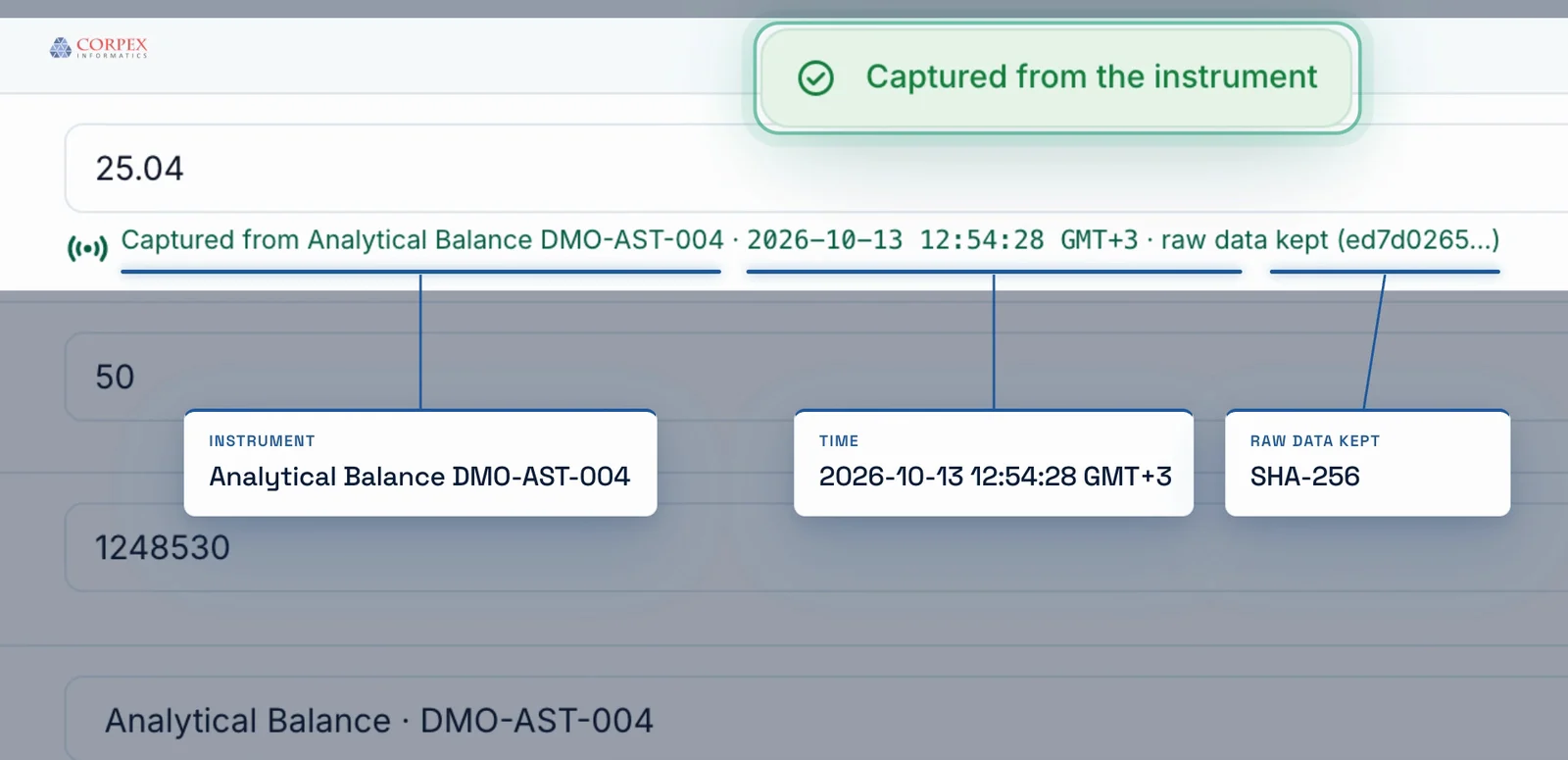
If the reading goes from the instrument into the record without anyone retyping it, there is no transcription left to check. The accuracy control moves from a second person to the system itself: the value, its unit and the instrument it came from are recorded together, at the moment of weighing.
That is what data-integrity guidance has asked for all along. ALCOA+ wants data to be attributable, legible, contemporaneous, original and accurate. A captured reading is all five by construction. A typed one is accurate only if the typist and the verifier both got it right.
How it works in CORPEX LIMS
In the ELN/LES worksheets module of CORPEX LIMS, the analyst works through the method as a worksheet. On a numeric row such as a sample weight, they press Capture, and the reading from the connected instrument fills the field. The system then applies the checks a reviewer used to do by eye, and some they could not:
- Wrong unit, refused. If the instrument reports in a unit the worksheet field does not expect, the reading is not accepted.
- Out-of-calibration instrument, refused. An instrument past its calibration date cannot supply a result.
- Changes need a reason. Any change to a captured value requires a written reason, and both values stay in the tamper-evident audit trail.
- Signed where it matters. Worksheet review and approval are electronic signatures with name, date, time and meaning.
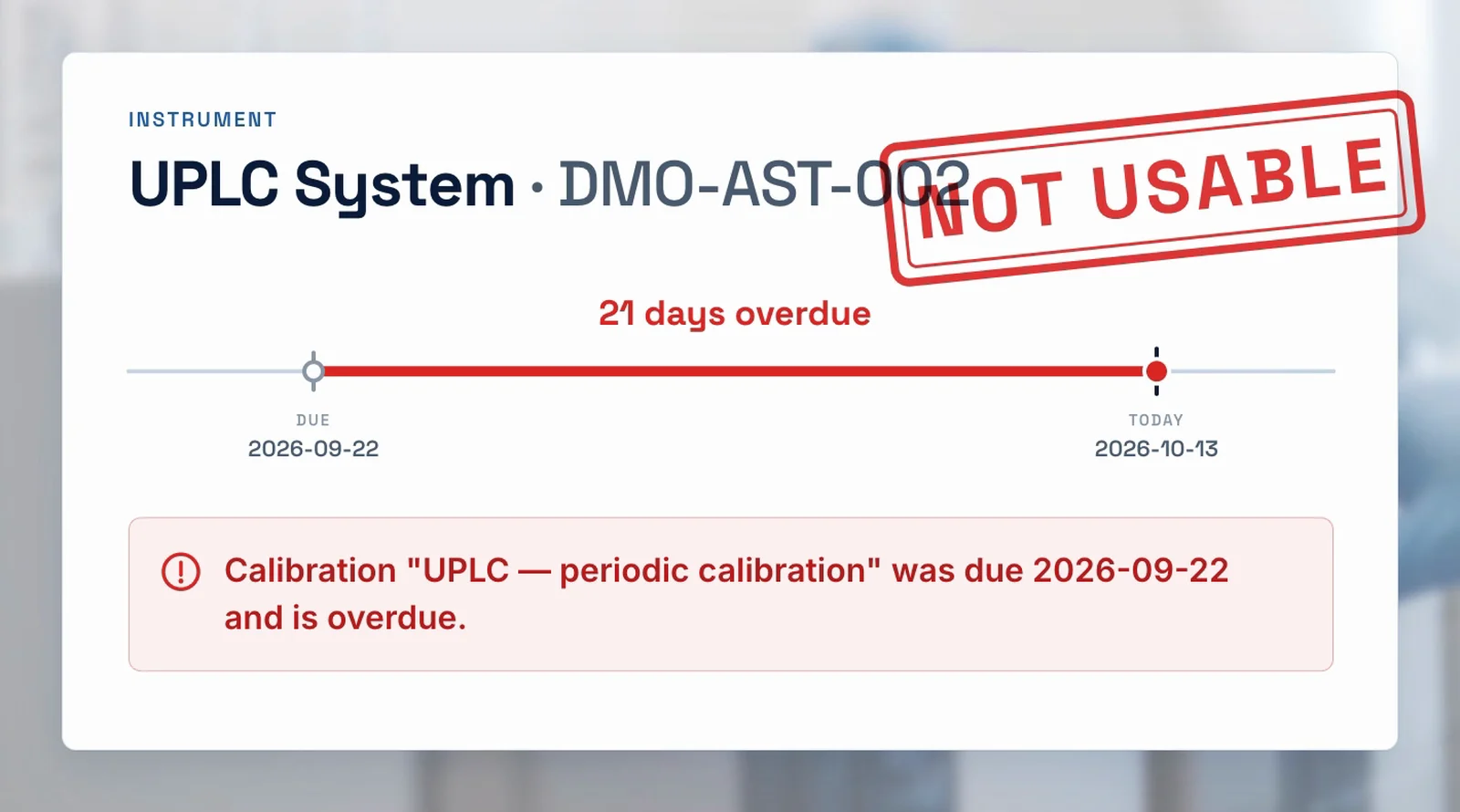
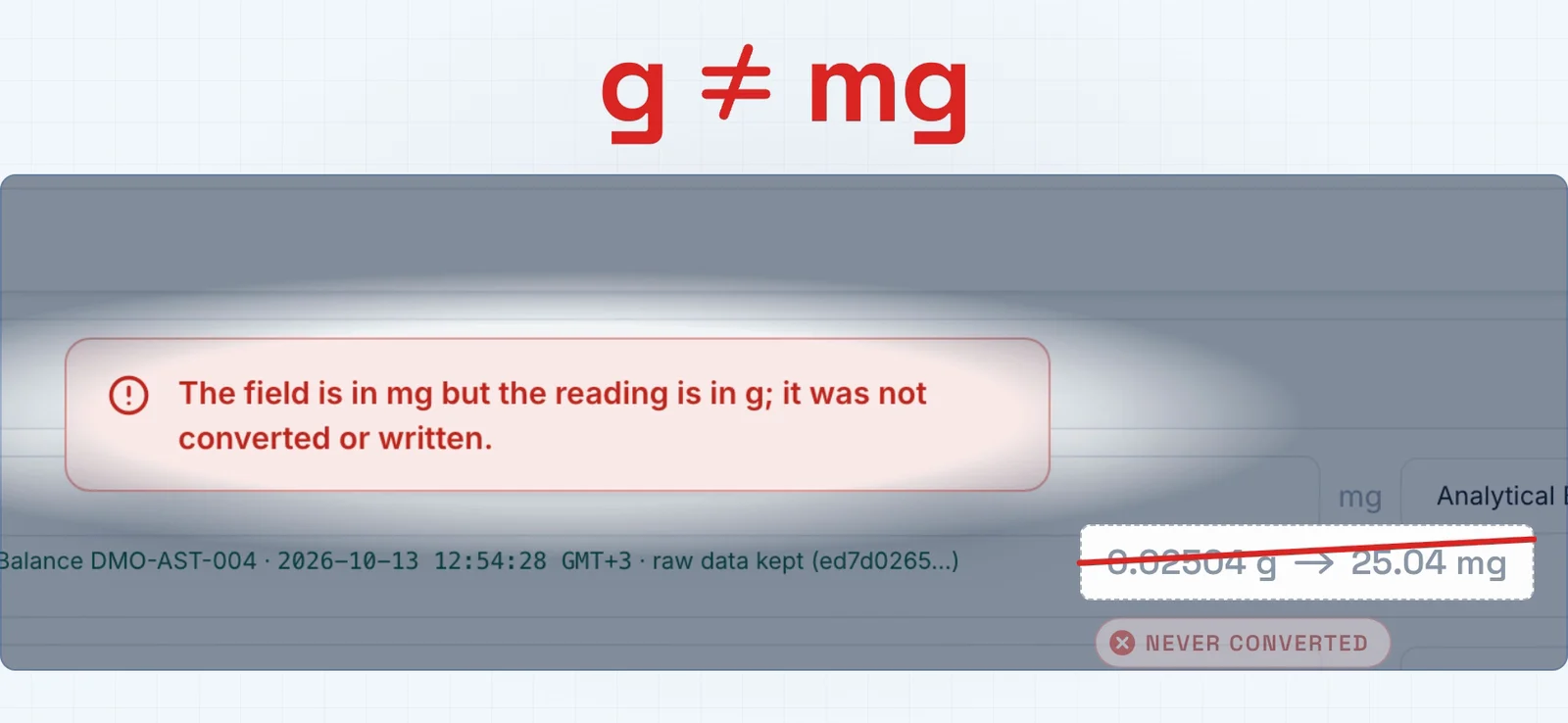
Before and after
| Step | Manual transcription | Instrument capture |
|---|---|---|
| Get the reading | Print a ticket | Press Capture |
| Enter it | Type it by hand | Filled from the instrument |
| Check it | Second person compares ticket and screen | System checks unit and calibration status |
| Keep the record | File the paper ticket | Value, unit and instrument in the audit trail |
| People involved | Three | One, plus the reviewer who signs the worksheet |
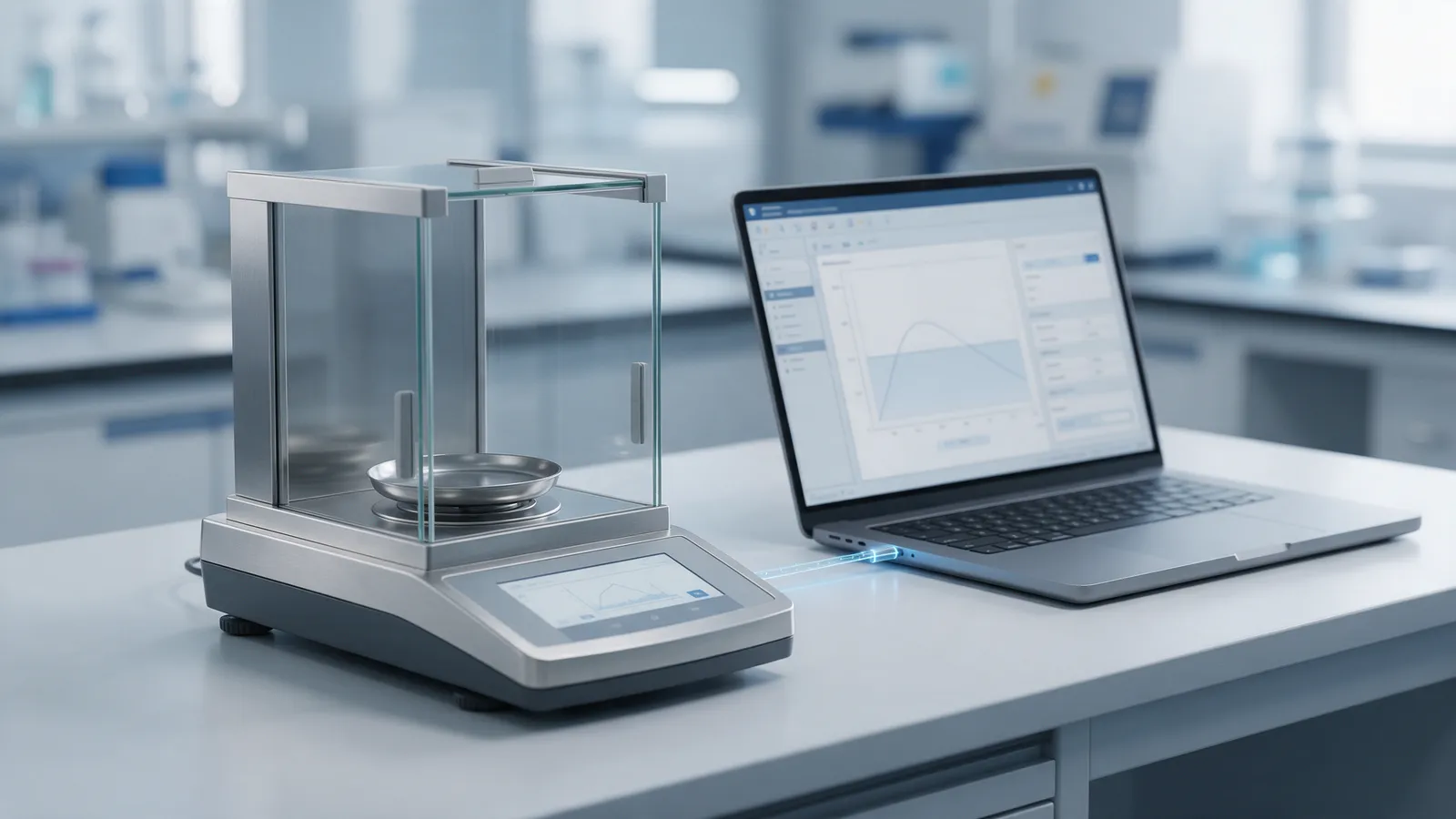
Where to start
You do not need to connect every instrument on day one. Start where the typing is:
- Count the typed numbers. For one week, count how many instrument readings are typed and verified by hand. That count is the time capture gives back.
- Connect the busiest instruments first. In most QC labs that means analytical balances, which feed almost every assay.
- Retire the ticket for those methods. Once a reading is captured, the printout and the second-person check for that step are no longer needed.
- Update the SOP and validate. The change is a computerized-system change, so document it and verify it as part of your validation.
What’s one manual step in your lab you would love to remove? Tell us, and we will show you how it looks in CORPEX LIMS.
Instrument data capture — FAQ
Why do labs need a second person to verify typed results?
EU GMP Annex 11 asks for an additional accuracy check on critical data entered manually, and 21 CFR 211.68(b) requires that data put into a computer system be checked for accuracy. When an analyst types a balance reading by hand, a second person checking it against the printout is the usual way labs meet that expectation.
What does instrument data capture change?
The reading travels from the instrument into the record without anyone retyping it, so there is no transcription to check. The accuracy check moves from a second person to the system: the value, its unit and the instrument it came from are recorded together.
How does instrument capture work in CORPEX LIMS?
In the ELN/LES worksheets of CORPEX LIMS, the analyst presses Capture on a numeric worksheet row and the instrument reading fills the field. A reading in the wrong unit is refused, an instrument past its calibration date is refused, and any change to a captured value needs a written reason that is kept in the tamper-evident audit trail.
Which instruments should a lab connect first?
Start with the instruments that generate the most hand-typed numbers, which in most QC labs means analytical balances. Count how many readings are typed and verified each week; that number is the time capture gives back.
See instrument capture in CORPEX LIMS
Book a walkthrough of the ELN/LES worksheets module with a CORPEX specialist, in Arabic or English.
Book a demo